
A startup card is a feature where clients and partners can access all previously provided public information from the organization. Companies can request data updates whenever needed.
Cards can be viewed in the "Organization Base". Through them, you can favorite a startup by clicking the Flag icon at the top right corner of the card.

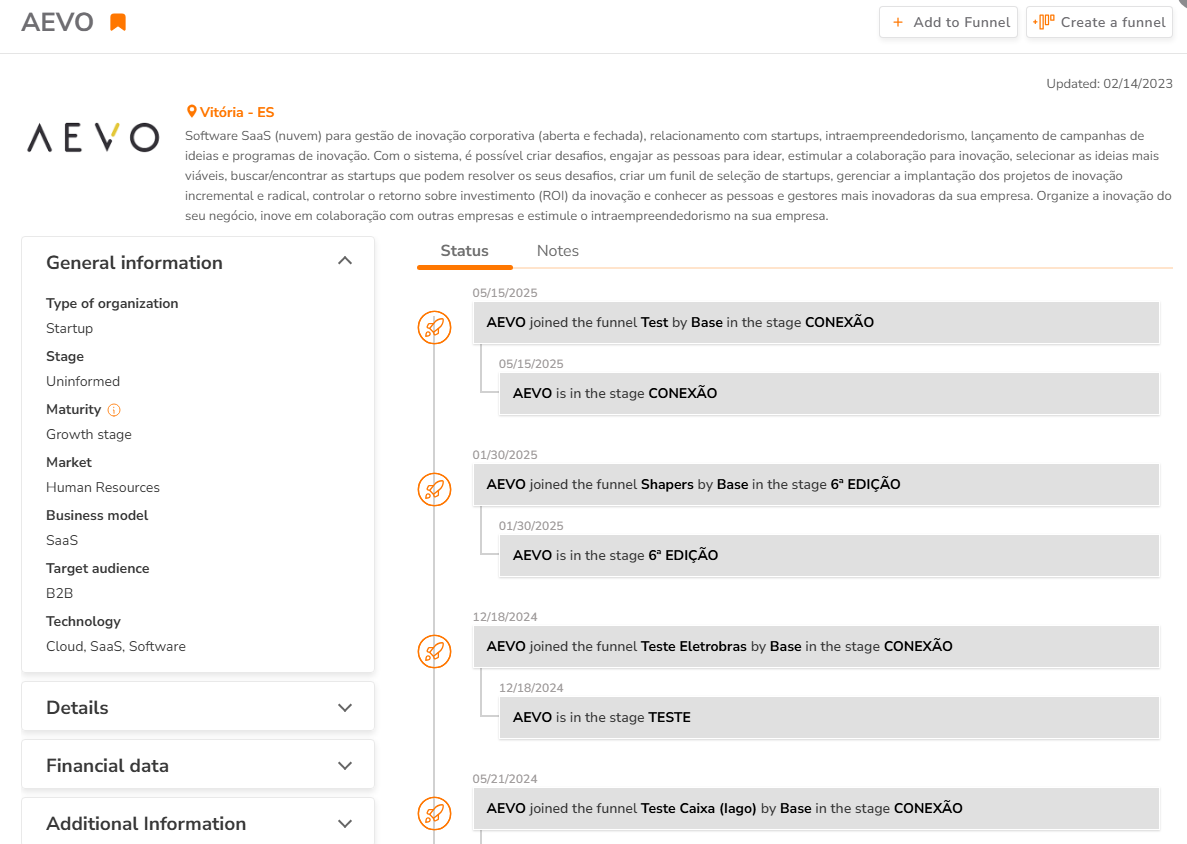
To learn more about the company, you can click on the card and a new window will open. You will see the organization’s general information and, by clicking on one of the icons highlighted in the image below, you will find more detailed information such as contacts, email, phone number, company size, and more.
To learn more about the company, you can click on the card and a new window will open. You will see the organization’s general information and, by clicking on one of the icons highlighted in the image below, you will find more detailed information such as contacts, email, phone number, company size, and more.